
Logo Technical Friend
Search
  • Home
  • Unboxing Videos
  • Mobile Repairing
  • Others Category
  • Blog
  • Tech News & Technical Job Alerts
  • Automobile Learning

info@technicalfriend.in

  1. Home
  2. Blog
  3. How to Link Aadhaar Card with Bank Account Online at Home – Complete DBT Link Process at Home
How to Link Aadhaar Card with Bank Account Online at Home – Complete DBT Link Process at Home
Blog
  • May 27, 2026
  • 0
  • 2

How to Link Aadhaar Card with Bank Account Online at Home – Complete DBT Link Process at Home

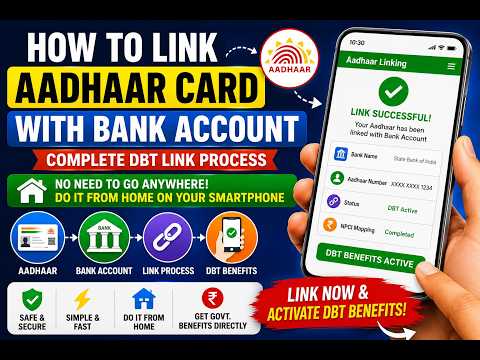
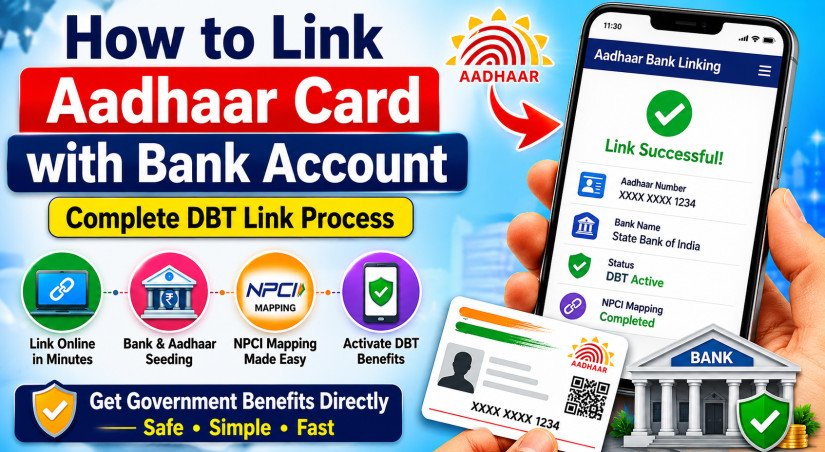
Linking your Aadhaar card with your bank account is now easier than ever. You no longer need to visit a bank branch, stand in long queues, or pay money at a cyber cafe. With just a smartphone and internet connection, you can complete the Aadhaar-bank linking process directly from your home.

This process is important for receiving government subsidies, DBT (Direct Benefit Transfer) benefits, LPG subsidy, scholarships, pensions, PM Kisan payments, and many other welfare scheme benefits directly into your bank account.

In this article, you will learn the complete step-by-step process to link your Aadhaar card with your bank account online using your mobile phone.

What is Aadhaar Bank Linking?

Aadhaar bank linking means connecting your Aadhaar number with your bank account. Once linked successfully, your account becomes eligible for DBT services through NPCI mapping.

This process is also known as:

  • Aadhaar Seeding
  • NPCI Mapping
  • DBT Activation

Why Should You Link Aadhaar with Your Bank Account?

There are many benefits of linking Aadhaar with your bank account:

  • Receive government subsidies directly
  • Faster DBT payments
  • Secure verification process
  • Easy access to welfare scheme benefits
  • No paperwork or branch visits
  • Quick online activation

Without Aadhaar linking, many government payments may get delayed or rejected.

Things Required Before Starting

Before beginning the process, keep the following ready:

  • Aadhaar card number
  • Bank account details
  • Mobile number linked with Aadhaar
  • Smartphone with internet connection

What is NPCI Mapping?

After Aadhaar linking, the bank updates your details in the NPCI (National Payments Corporation of India) database.

This process is called NPCI Mapping.

NPCI mapping is necessary for:

  • DBT activation
  • Subsidy transfer
  • Government payment processing

Without NPCI mapping, DBT benefits may not reach your account even if Aadhaar is linked.

How Long Does Aadhaar Linking Take?

Normally, the process takes:

  • 24 hours to 7 working days

depending on the bank and NPCI update process.

Common Problems During Aadhaar Linking

Sometimes users face issues such as:

  • OTP not received
  • Incorrect Aadhaar number
  • Mobile number mismatch
  • NPCI update delay
  • Aadhaar not linked with mobile number

Make sure your Aadhaar details and bank details match properly.

Important Tips for Successful DBT Activation

  • Use only one primary bank account for DBT
  • Keep Aadhaar mobile number updated
  • Verify Aadhaar details carefully
  • Check NPCI status regularly
  • Update KYC documents if needed

Frequently Asked Questions (FAQs)

1. Can I link Aadhaar with bank account from mobile?

Yes, most banks now allow Aadhaar linking through mobile banking apps and internet banking.

2. Do I need to visit a bank branch?

No, you can complete the process from home using your smartphone.

3. Is Aadhaar-bank linking free?

Yes, Aadhaar linking is completely free.

4. How do I know if DBT is active?

You can check Aadhaar-bank linking and NPCI mapping status online.
How to Link Aadhaar Card with Bank Account Online at Home – Complete DBT Link Process at Home

Watch on YouTube


Comments

Leave a Comment
Your email address will not be published.

  • About Us
  • Privacy policy

  • YouTube
  • Facebook
  • instagram
  • twitter

© 2026 Technical Friend. All Rights Reserved | Design and Developed by AVQUORA